
AI Prompts for Wallpaper
Wallpapers have one job: look great behind a screen full of icons, which means the best wallpaper prompts think about composition before subject. You want a clear focal area with quiet negative space where the clock, widgets, or desktop icons will sit, colors that hold up in both light and dark interfaces, and enough resolution headroom that the image stays sharp on a 4K monitor. Aspect ratio is the other half of the craft — 16:9 or 21:9 for desktops, roughly 9:19.5 for phones — so every prompt in this hub includes the ratio we generated at and a note on how to reframe the same scene for the other orientation without losing the composition.
Prompts in this collection
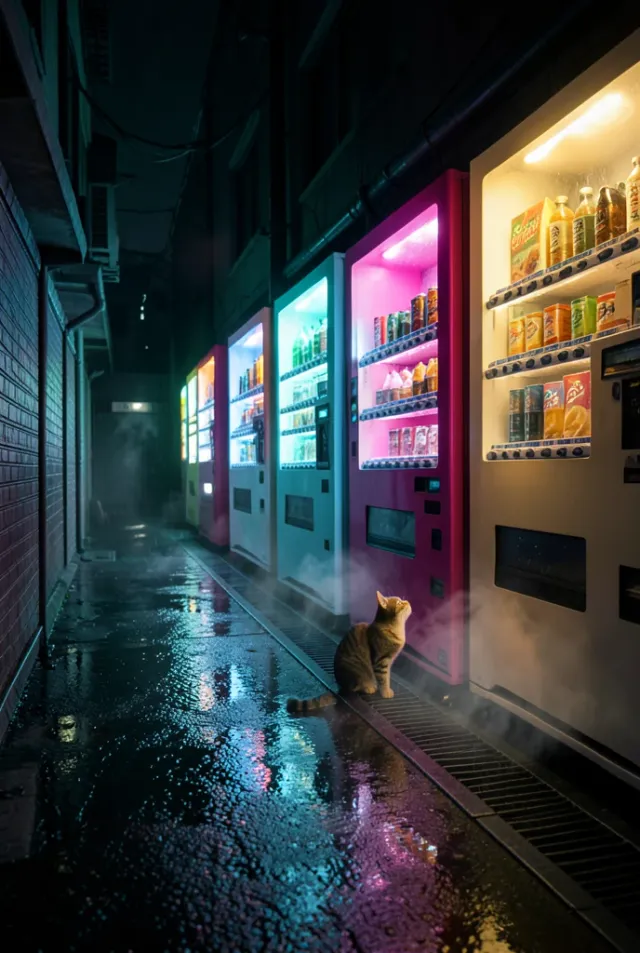
Cyberpunk Alley Vending Machines
DALL·E
Floating Sky Islands with Waterfalls
DALL·E
Paper-Craft Ocean Waves Wallpaper
DALL·E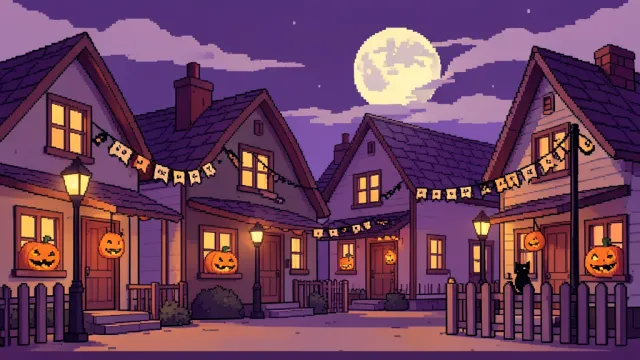
Cozy Pixel Art Halloween Street
DALL·E
Black Sand Beach Long Exposure
Flux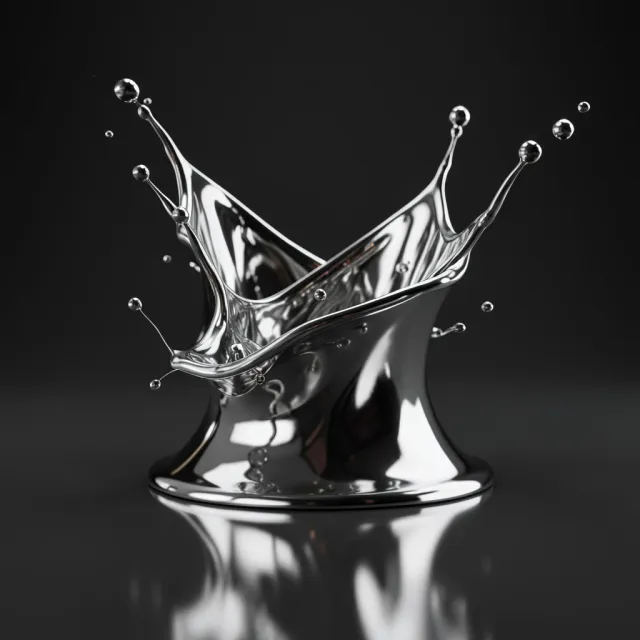
Frozen Chrome Liquid Splash
Flux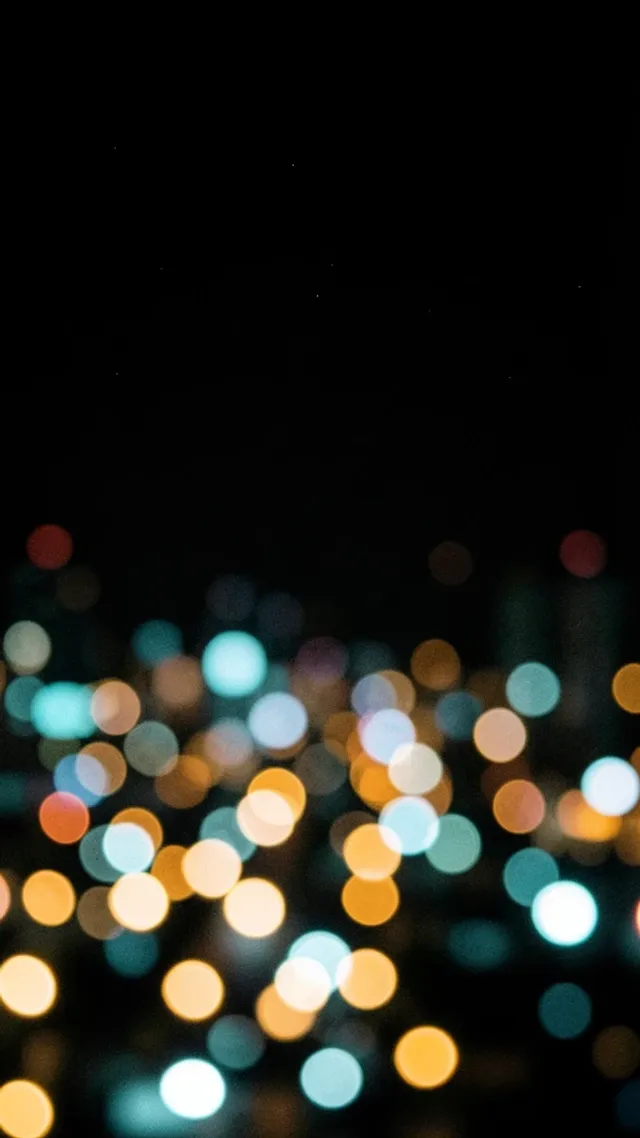
City Lights Bokeh Night Wallpaper
Flux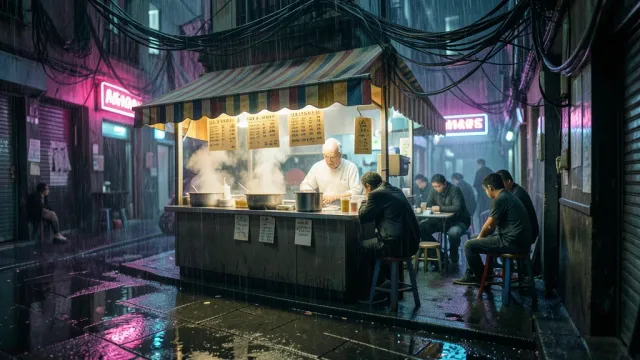
Cyberpunk Alley Noodle Bar
Flux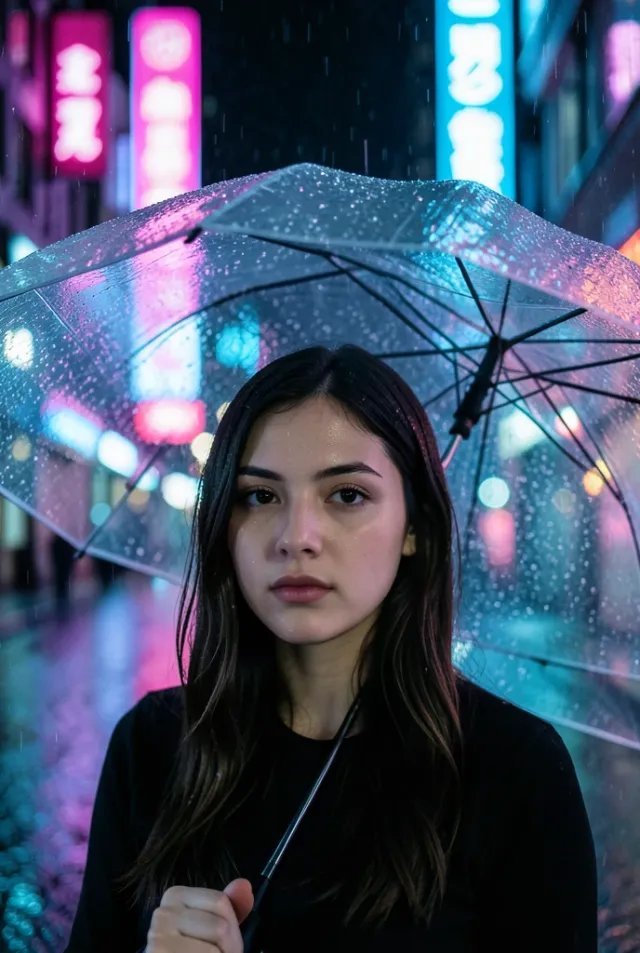
Cyberpunk Neon Rain Portrait
Flux
Dragon Egg Ember Macro
Flux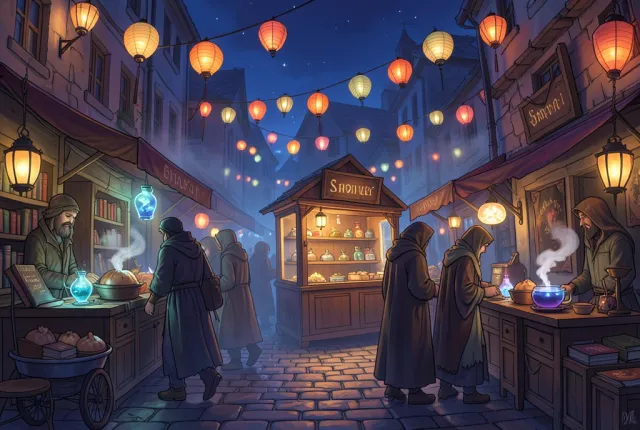
Enchanted Fantasy Night Market
FluxFrequently asked questions
- What makes a good wallpaper prompt?
- Think about composition before subject, because a wallpaper's job is to look great behind a screen full of icons. Ask for a clear focal area with quiet negative space where the clock, widgets, or desktop icons will sit, and colors that hold up in both light and dark interfaces. Leaving that breathing room is what keeps the image usable rather than just pretty.
- What aspect ratio and resolution should I use for wallpapers?
- Match the device: 16:9 or 21:9 for desktops and roughly 9:19.5 for phones, and generate with enough resolution headroom that the image stays sharp on a 4K monitor. Every prompt here includes the ratio we generated at plus a note on reframing the same scene for the other orientation. Upscale before setting it as a background so fine detail holds.
- Does AI-generated wallpaper stay sharp on a 4K screen?
- Only if you plan for resolution. Generate at the largest size the model allows and upscale afterward, because native output is often below 4K and stretching it softens detail. Composition matters as much as pixels — a clean focal area with negative space reads well at any size, while busy detail turns to noise when scaled. Each entry notes the ratio we used.